Inbox sorted into three piles6:58 AMLights set for reading9:02 PMTable for four booked1:40 PMBedroom cooled before you got in6:04 PMFare alert sent — $4126:31 AM34 pages turned into one sheet11:12 AMGrocery order placed7:58 PMTwo late invoices chased9:15 AMDay planned, two clashes moved7:02 AMMorning brief written6:30 AMReceipts filed away9:07 PMWeekly numbers pulled together6:22 PMInbox sorted into three piles6:58 AMLights set for reading9:02 PMTable for four booked1:40 PMBedroom cooled before you got in6:04 PMFare alert sent — $4126:31 AM34 pages turned into one sheet11:12 AMGrocery order placed7:58 PMTwo late invoices chased9:15 AMDay planned, two clashes moved7:02 AMMorning brief written6:30 AMReceipts filed away9:07 PMWeekly numbers pulled together6:22 PM
AI got good faster than it got usable.
Most people have a chat window and no idea how to make it part of their day. Qubbo is the piece that was missing.
What it does
Say it like you’d say it to a person.
Type it or send a voice note. Qubbo does the rest with the tools you already use — and shows you what it did.
Watch it run on the right — it cycles through four real asks on its own.
Chase the money
Chase the two invoices that are late — politely.
Found INV-1042 and INV-1045
Writing two polite nudges
Two reminders sent
To Northwind and Verita. Your tone, just firmer.
Both marked as chased
It watches for the replies now.
You didn’t open your email once.
The team
One assistant on the surface. A whole team underneath.
For big asks, Qubbo brings in specialists — one researches, one books, one keeps the budget. They work at the same time and hand you back one answer.
Plan the Lisbon trip: flights, a hotel, and a three-day itinerary.
Bringing in the team
Travel
Comparing 62 flights
Two flights picked
Research
Reading 40 hotel reviews
A hotel in Alfama
Schedule
Blocking your dates
Dates held
Budget
Watching the total
$212 under budget
One plan, ready to approve
Flights at $412 · a hotel in Alfama · three days, hour by hour.
Some of the specialists
The researcher
Reads forty reviews so you read one.
The scheduler
Guards your calendar and books around it.
The travel planner
Watches fares, picks seats, holds rooms.
The bookkeeper
Chases invoices and keeps the numbers straight.
The writer
Drafts in your tone — emails, quotes, posts.
The web designer
Turns “I need a page” into a page.
The shopper
Compares prices, remembers your usual brand.
The archivist
Files, names, and finds every document.
A new one, made to order
If a task needs a specialist that doesn’t exist yet, Qubbo creates it on the spot — and keeps it for next time.
You talk to one. Many get to work.
Routines
Ask once. It happens every day.
A routine is anything you’d rather not ask twice. Describe it in a sentence — Qubbo runs it on time, every time, and stays quiet unless something needs you.
You write them in your own words. No menus, no settings.
7:00 AMEvery morning
Your day, in one message
Reads your email and your to-do list, then sends you today: three meetings, two things due, one email that needs you.
You say it once
“Every morning, check my email and my Todoist and tell me what my day looks like.”
5:40 PMWhen you head home
The room is cool before you are home
The moment you leave work, the air conditioning comes on. You walk into a room at 72°F.
You say it once
“When I leave the office, cool the bedroom to 72.”
5:00 PMEvery Friday
The week’s numbers
Sales, invoices paid, invoices pending — one clean sheet, every Friday, without being asked.
You say it once
“Every Friday, pull the week’s numbers into a sheet.”
11:00 PMEvery night
The house goes to sleep
Lights off, doors locked, everything down for the night. You say nothing.
You say it once
“At 11, turn the house off.”
Your home
It talks to your house, too.
Qubbo lives on your network — the same one your lights, speakers and appliances are on. So the house understands plain language now.
“Turn everything off except the living-room lamp.”“Start the washer and tell me when it’s done.”“Did I lock the front door?”
Lights
On
40%
Living room · dimmed to 40%
Air conditioning
72°F
Bedroom · cooling to 72°F
Washer
Cycle done in 42 min
Vacuum
Doing the kitchen
Speakers
Playing dinner jazz
Front door
Locked
TV
Movie night, queued up
If it’s on your Wi-Fi, Qubbo can talk to it.
For your life
Pick the one that looks like your week.
Real asks, in plain words. Each one runs on the accounts you connect.
Needs you
FYI
Later
Mornings, handled.
By the time you’re up, the inbox is sorted and your day fits in one short note.
Inbox in three tidy piles
A brief waiting at 7:00 AM
The urgent thing, flagged
and whatever you use
INV-1042Paid
INV-1045Nudged
Watching for replies…
The money, chased.
Late invoices get polite nudges until they’re paid — and you see every word it sends.
Reminders in your tone
Replies watched for you
The books kept current
and whatever you use
PDF · 34p
Paperwork, gone.
Drop in a file and say what you want back. Stacks of pages become clean spreadsheets.
Every page read
One row per line item
Filed where it belongs
and whatever you use
M
T
W
T
F
Table for four — Thursday, 8:15 PM
Your week, booked.
Tables, appointments, reminders — asked for in one line, confirmed in your calendar.
It finishes the booking
Invites go out for you
Reminders set themselves
and whatever you use
NYC → LIS$412
Pinged you at 6:31 AM
Eyes on everything.
Prices, flights, replies — it keeps checking around the clock and pings you when it matters.
Checks while you sleep
Pings the phone in your pocket
Quiet until it matters
and whatever you use
This morning38 orders2 low in stock
Your shop, reported.
Every morning: yesterday’s sales, what’s running low, and the one thing that needs you.
Sales summed up daily
Low stock flagged early
Numbers in one sheet
and whatever you use
If your week looks different, say it your way. Qubbo works from your words.
The difference
One of them closes.
The same request, at the same minute, on the same Tuesday. One of them lives in a tab. The other one is plugged in.
The same request, to both
6:14 PM
Watch this flight and tell me if it drops below $450.
A chat window
Whichever one you already have open.
New chat
You · 6:14 PM
Watch this flight and tell me if it drops below $450.
Right now it’s $498. Ask me again any time and I’ll look it up.
6:14 PM
Ask anything
The session ended.
6:15 PM
You close the tab. The question closes with it.
Qubbo
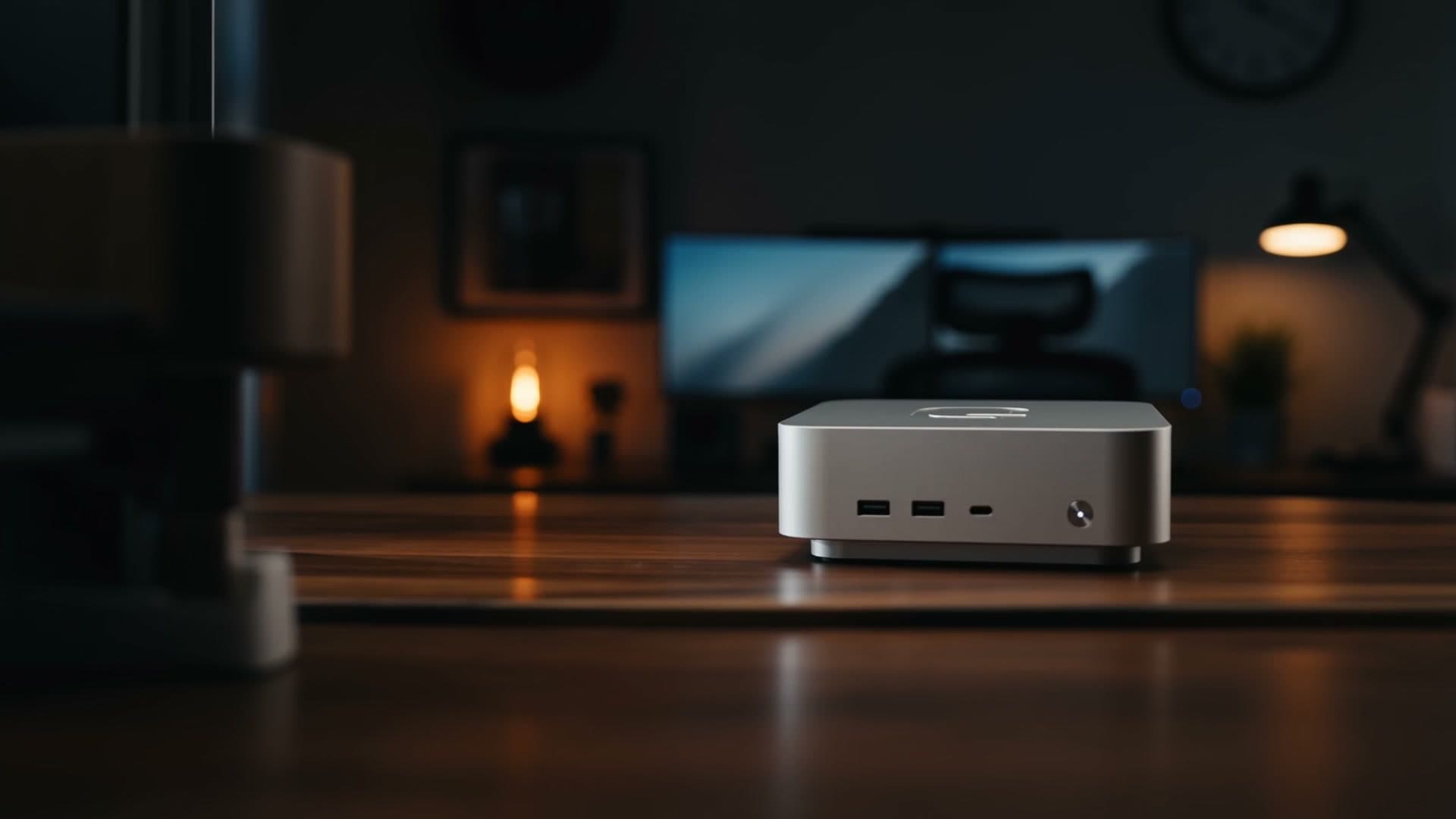
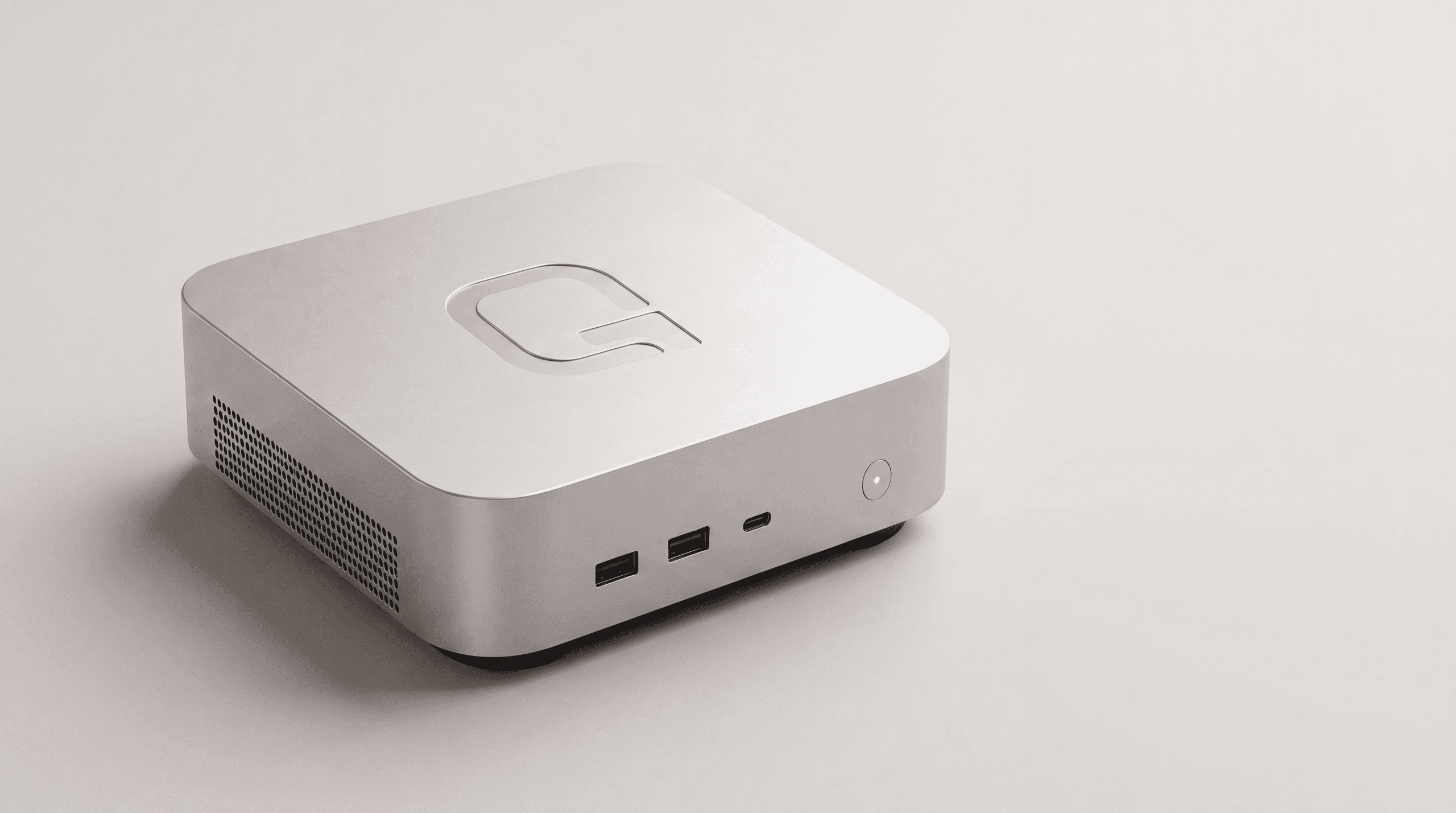
On your desk, still plugged in.
Working
6:14 PMStarts watching.
11:48 PMChecks again while you sleep.
2:14 AMPrice moves. Checks the return leg too.
6:31 AMSends you the fare. $412.
Still going while the tab was closed.
Both are useful. Only one of them was still working at 2 in the morning.
That’s the whole difference. It isn’t smarter. It’s on.
One Tuesday
It’s on when you’re not.
Nothing here needed you awake.
9:07 PM
Eight things done. You did none of them.
9:07 PMFiled the day’s receipts.
11:40 PMSorted the inbox into three piles.
2:14 AMWatched the prices.
4:02 AMSaved copies of the invoices.
6:30 AMWrote your morning brief.
9:15 AMChased two late invoices.
1:40 PMBooked the table.
6:22 PMPulled the weekly numbers together.
Day to day
The small things are the magic.
None of this needs setting up. It’s just how Qubbo behaves.
7:00 AM
3 meetings · 2 things due · 1 needs you
A brief, every morning.
At 7:00 AM your day is six lines: what’s on, what’s due, what needs you. You read it with your coffee.
Every Friday · 5:00 PM Ran · Fri Ran · Fri Ran · Fri
Say “every Friday” once.
It happens every Friday. Routines run on their own, on time, without being reminded.
0:07 Done
Voice notes count.
Send one from your phone the way you’d send it to a person. It gets done the same.
“Always copy Ana on quotes.”Remembered — every quote since
Tell it once.
Your preferences stick. The way you like your emails signed, who gets copied, what “the usual” means.
Send these two emails?
Send themShow me first
It asks before it acts.
Anything new gets shown to you first. You approve it once, or every time — your call.
Pinged at 6:31 AM
It watches while you live.
Prices, flights, deadlines, replies — checked around the clock. It stays quiet until something matters, then pings your phone.
Q3-invoices.pdf212 rows
Files in, answers out.
Hand it a PDF, a folder, a stack of receipts. Ask for the spreadsheet, the summary, the total.
The Qubbo screen— one memory
Message it from anywhere.
WhatsApp, Telegram, or the screen on your desk. Same assistant, same memory, wherever you are.
Connected
It already works with what you use.
Sign in to an account once, from the Qubbo screen. It stays connected.